Ollama Platform Onboarding Guide
A local-first onboarding guide for teams adopting Ollama with controlled access, safe defaults, and operational clarity.
0. Why this guide exists
Local AI adoption succeeds when teams ship inside clear boundaries. This guide helps platform teams roll out Ollama without sacrificing reliability, cost control, or trust.
Local installs sprawl, models drift, and nobody owns reliability.
Teams operate a stable local stack with shared guardrails and clear ownership.
Repeatable local deployments over ad hoc setups.
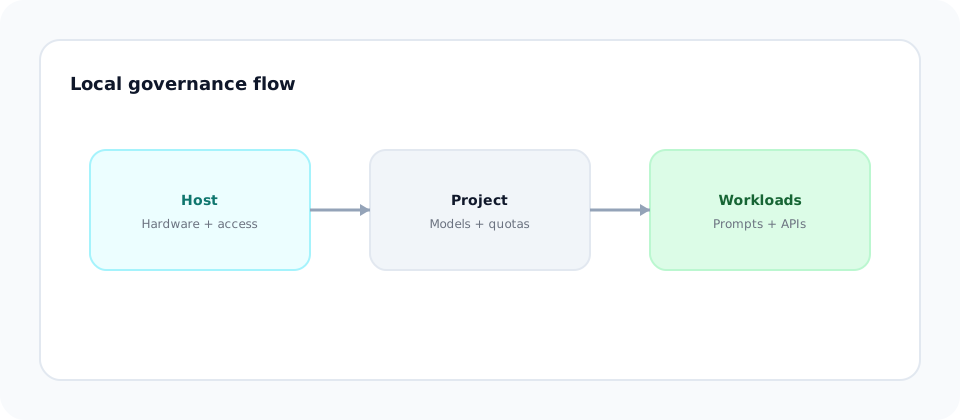
1. Ollama mental model (Host -> Project -> Workload)
Ollama is local-first, which means governance must be explicit. Align to a simple hierarchy before anyone runs models.
Governance layer. Approved hardware, access rules, and logging live here.
Execution layer. Teams build within approved models and quotas.
Behavior layer. Prompts and API calls where quality and risk appear.
2. Preparing the host (governance first)
Outcome: A stable local environment with defined ownership and predictable performance.
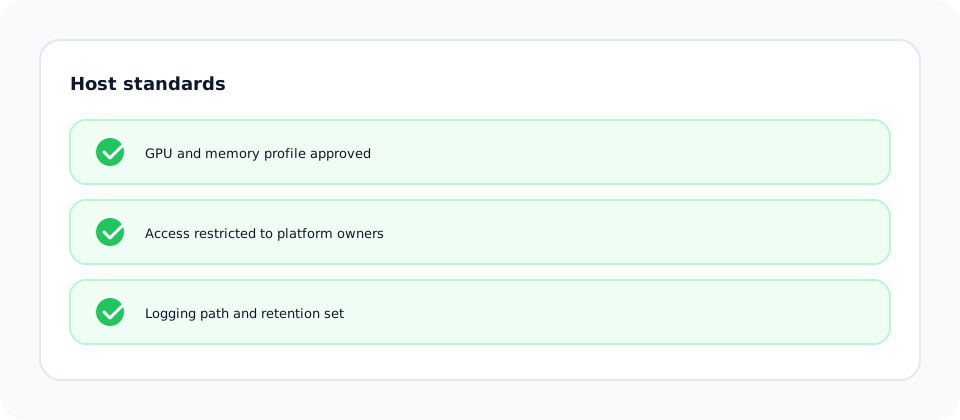
Standardize where Ollama runs and who owns it. Local stacks fail when hosts are unmanaged.
Define GPU and memory requirements for approved models.
Restrict who can run or update models on the host.
Decide where request logs and usage metrics go.
3. Install Ollama (macOS + Windows)
Outcome: A working local runtime before teams touch prompts or APIs.
Install on a governed host first, then verify the runtime is running before any project work.
Install via Homebrew and start the service.
brew install ollama
ollama serveInstall via winget or the official installer.
winget install Ollama.Ollama
ollama servePull a small model and run a quick prompt.
ollama run llama3
ollama list
4. Creating a project (isolation and safety)
Outcome: Teams can experiment without affecting others or overrunning capacity.
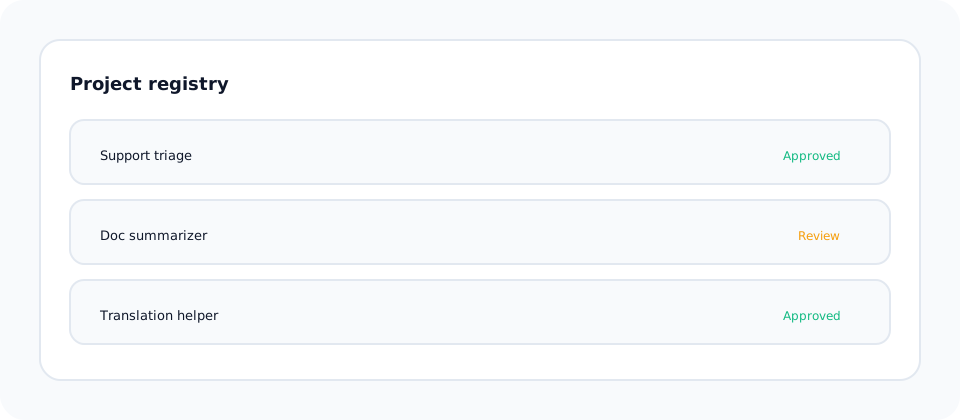
Define a project workspace with model access, quotas, and prompt ownership.
Separate projects by use case and environment.
Maintain an approved list with versions and owners.
Set concurrency or request rate guidelines per project.
5. Model selection and hardware sizing
Outcome: Teams start with models that match the host budget and workload needs.
- CPU-friendly starts: 7B to 8B class instruct models for quick validation.
- Balanced default: Mistral or Llama 8B for most internal tooling.
- GPU-required: 13B+ models only when VRAM and latency targets allow.
Hardware guidance: CPU-only is fine for prototypes but slower. GPUs improve latency and throughput; larger models need more VRAM even when quantized.
6. Playground testing (learning before building)
Outcome: Teams document model behavior before writing production code.
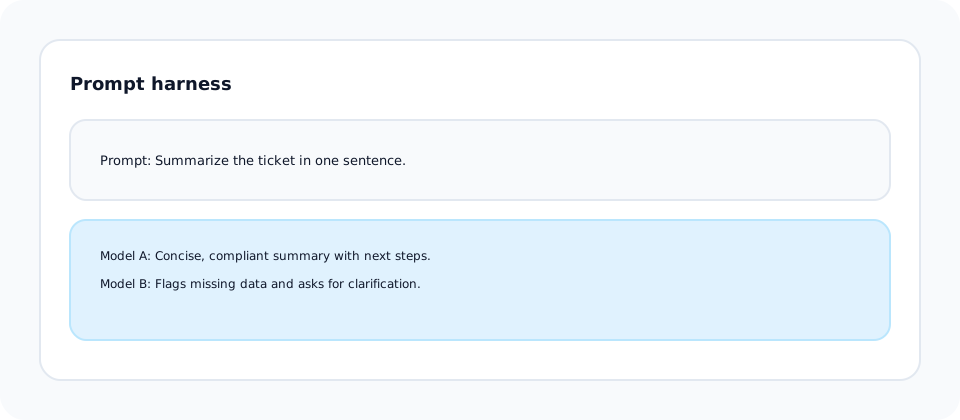
Use a simple prompt harness to test tone, refusal behavior, and edge cases.
Define a system prompt that encodes safety and tone.
Compare two models for quality and latency.
Document unsafe or hallucinated outputs.
7. First API call (proof of access)
Outcome: Verified local access with traceable logs.
Use the local Ollama API to validate connectivity.
curl http://localhost:11434/api/generate \
  -H "Content-Type: application/json" \
  -d '{
    "model": "llama3",
    "prompt": "Summarize this ticket in one sentence.",
    "stream": false
  }'
import requests
response = requests.post(
"http://localhost:11434/api/generate",
json={
"model": "llama3",
"prompt": "Summarize this ticket in one sentence.",
"stream": False
},
timeout=30,
)
print(response.json()["response"])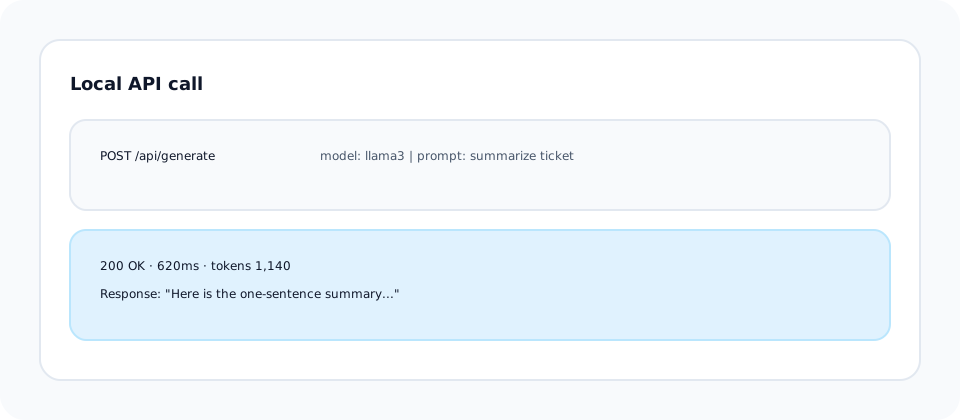
8. Guardrails and limits (preventing early failures)
Outcome: Stable performance and predictable behavior on local hosts.
Local deployments still need guardrails: prompt standards, model version pinning, and access controls.
Maintain approved prompt templates and review cadence.
Lock model versions to prevent silent behavior changes.
Set concurrency thresholds to avoid resource exhaustion.
9. Common failure modes (what breaks in real orgs)
Local stacks fail for predictable reasons. Plan for them early.
Teams update models without review, changing outputs silently.
Unbounded requests cause latency spikes and crashes.
No on-call owner for local failures.
Fix: Tie models, prompts, and hosts to named owners with review cadence.
10. What "ready" actually means
A local Ollama project is ready when the following are true:
- Governance: Host ownership and access controls are documented.
- Safety: Prompt standards and review cadence exist.
- Performance: Concurrency limits and latency baselines are tested.
- Operational: A runbook and escalation path are defined.
Business impact: Lower downtime, predictable quality, and safe local experimentation.
Author note
Local AI needs the same operational discipline as cloud AI. I emphasize ownership, versioning, and repeatability.