Azure AI Foundry Platform Onboarding Guide
A governance-first onboarding guide for rolling out Azure AI Foundry in regulated enterprise environments.
0. Why this guide exists
Enterprise AI programs rarely fail because models are weak. They fail because teams move faster than governance.
This guide is for platform and AI enablement teams rolling out Azure AI Foundry at scale. It balances developer velocity with security, compliance, cost control, and organizational trust.
Experimentation starts before boundaries are defined. Governance arrives after early incidents.
Teams ship inside guardrails with clear ownership, fewer escalations, and predictable spend.
Controlled momentum over raw speed.
1. Azure AI Foundry mental model (Hub -> Project -> Workload)
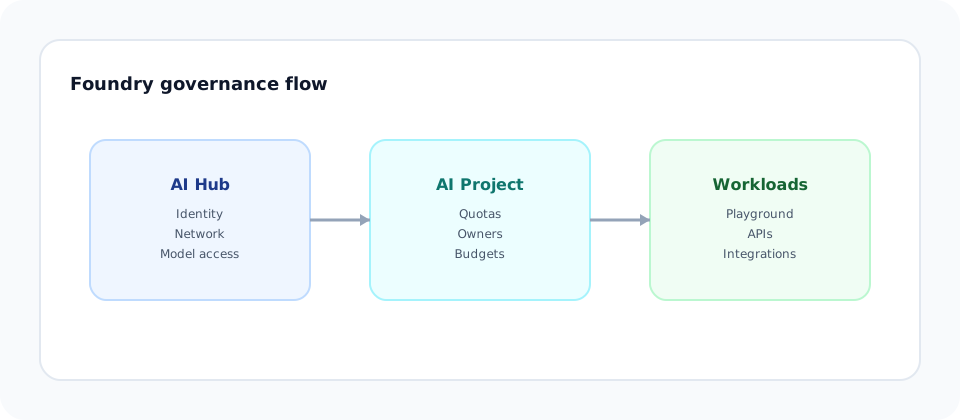
Azure AI Foundry is built around a governance-first hierarchy. The fastest teams succeed because they align to it early.
Governance boundary. Security, identity, model access, and network constraints live here.
Execution boundary. Teams experiment and build with inherited controls.
Behavior layer. Playgrounds, APIs, and integrations where cost and risk show up.
Leadership framing: Decisions should be made once, at the highest reasonable layer, and inherited everywhere else.
2. Creating the AI Hub (governance first)
Outcome: A centralized governance boundary with clear ownership and inherited controls.
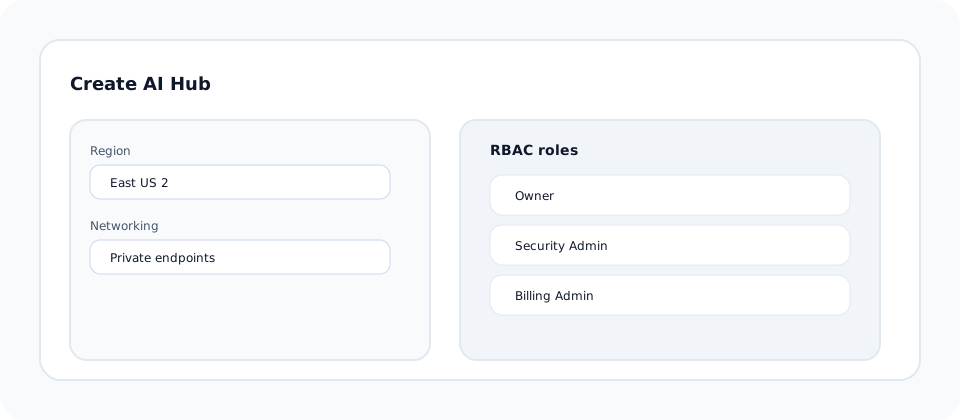
Create the AI Hub in Azure AI Foundry before any team builds. This is where you define identity, networking, and model access.
Assign Owner, Security Admin, and Billing Admin roles using Azure RBAC.
Define region and network boundaries. Use private endpoints where required.
Approve model families and tiers for the org, not per team.
Developer callout: You will not create the Hub. You will inherit it.
3. Creating a Project (isolation and safety)
Outcome: Teams can move fast in a contained workspace without affecting each other.
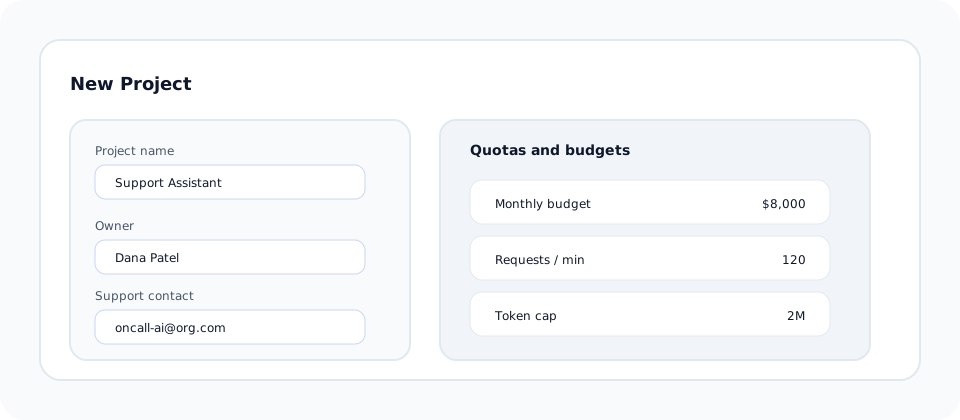
Create one Project per team or workload. Projects inherit Hub policies by default, which keeps governance consistent while enabling autonomy.
Separate dev, staging, and prod Projects to control access and quotas.
Assign a Project Owner and a Support Contact for escalations.
Apply project-specific rate limits and budget alerts.
4. Chat Playground (learning before building)
Outcome: Teams learn model behavior safely before writing production code.
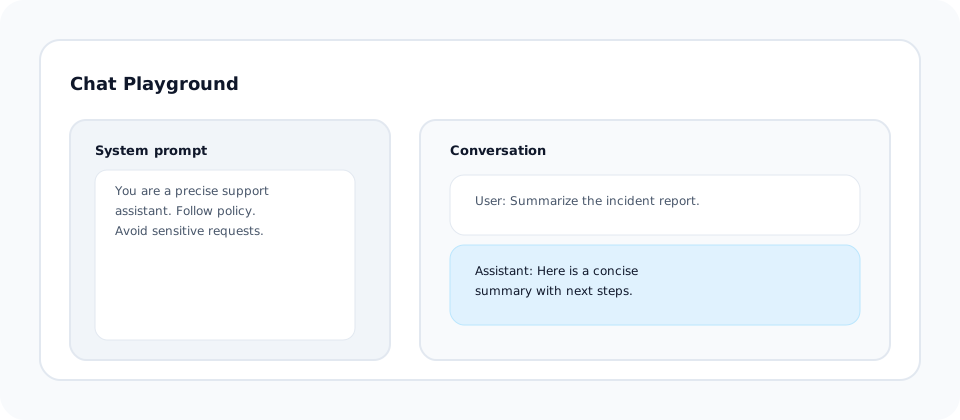
Use the Chat Playground to test prompts, evaluate model responses, and align on tone and constraints. Require teams to document the final system prompt as part of onboarding.
Define a system prompt that reflects policy and tone.
Test at least two tiers for cost and quality tradeoffs.
Capture refusal behavior and edge cases early.
5. First API call (proof of access)
Outcome: Verified access with logging, cost awareness, and failure handling from day one.
Use the Azure OpenAI SDK with deployment names configured inside your Project.
import os
from openai import AzureOpenAI

client = AzureOpenAI(
    api_key=os.environ["AZURE_OPENAI_API_KEY"],
    api_version="2024-02-15-preview",
    azure_endpoint=os.environ["AZURE_OPENAI_ENDPOINT"],
)

response = client.chat.completions.create(
    model="foundry-chat-prod",
    messages=[
        {"role": "system", "content": "You are a precise support assistant."},
        {"role": "user", "content": "Summarize this ticket in one sentence."},
    ],
    temperature=0.2,
)

print(response.choices[0].message.content)
import { AzureOpenAI } from "openai";
const client = new AzureOpenAI({
apiKey: process.env.AZURE_OPENAI_API_KEY,
apiVersion: "2024-02-15-preview",
endpoint: process.env.AZURE_OPENAI_ENDPOINT,
});
const response = await client.chat.completions.create({
model: "foundry-chat-prod",
messages: [
{ role: "system", content: "You are a precise support assistant." },
{ role: "user", content: "Summarize this ticket in one sentence." },
],
temperature: 0.2,
});
console.log(response.choices[0].message.content);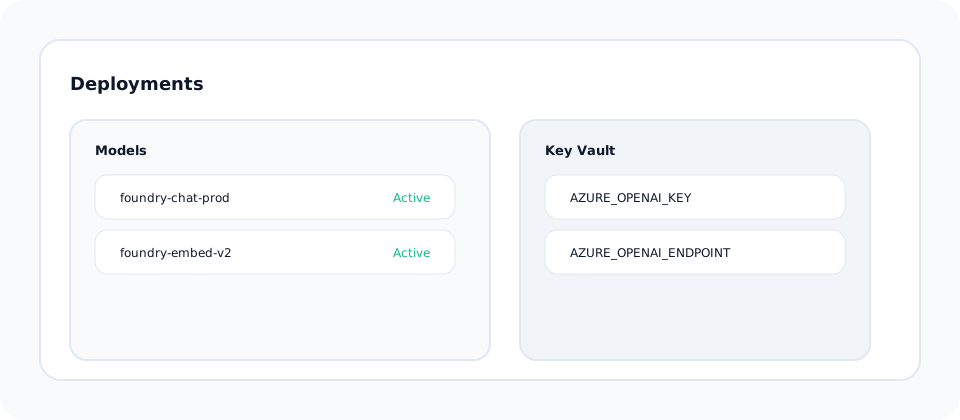
6. Guardrails and limits (preventing early failures)
Outcome: Fewer policy violations, controlled spend, and predictable latency.
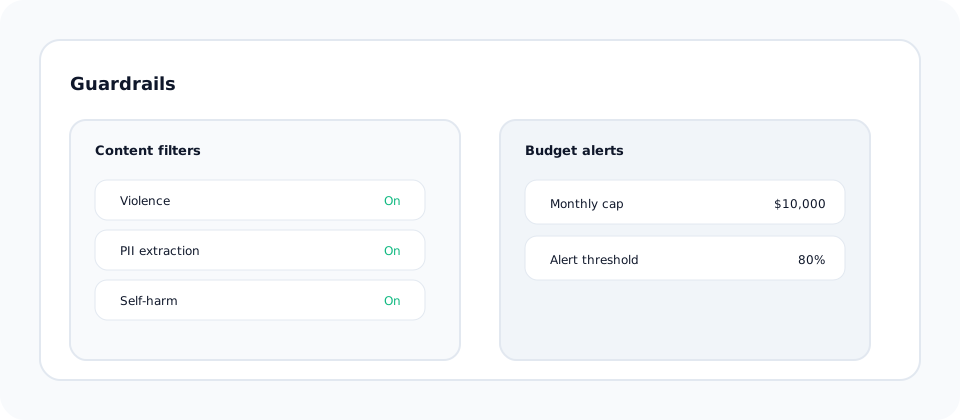
Enable Azure content filters, set rate limits, and route all prompts through a validation layer.
Use Azure safety filters and log all blocked responses.
Apply project budgets and cost anomaly alerts.
Set per-project limits to avoid accidental spikes.
Leadership framing: Guardrails are a cost and trust control, not a blocker.
7. Common failure modes (what breaks in real orgs)
These issues show up repeatedly in enterprise rollouts. Plan for them up front.
Teams ship without budgets or alerts. Costs spike within the first week.
Prompt changes bypass review and create unsafe outputs.
Keys are shared and ownership is unclear when incidents occur.
Fix: Tie access, prompts, and budgets to named owners with documented review cadence.
8. What "ready" actually means
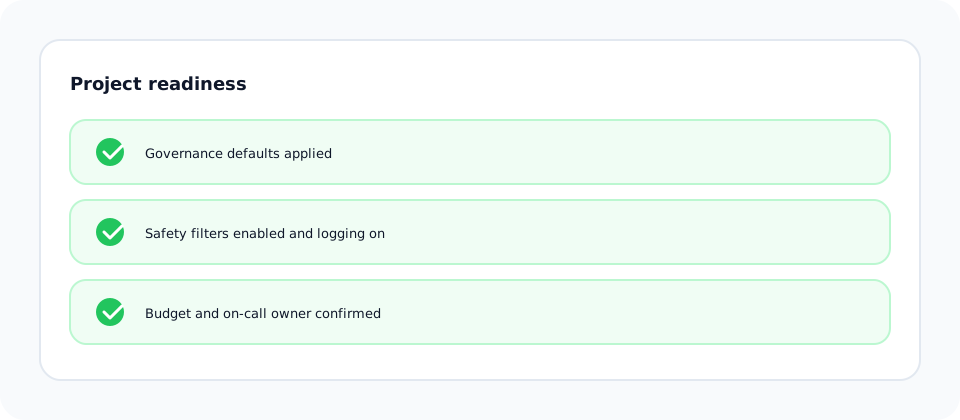
A team is ready to go live when these statements are true:
- Governance: The Hub enforces identity, region, and model policy defaults.
- Safety: Content filters and input validation are enabled and logged.
- Cost: Budgets and alerts exist at the Project level.
- Operational: An on-call owner and rollback path are documented.
Business impact: Faster onboarding, fewer incidents, and higher confidence across teams.
Author note
I treat onboarding as a governance exercise: clarify decisions early so developers can move fast without surprises.